
Turning the ad blocker can be done in 2 different ways:
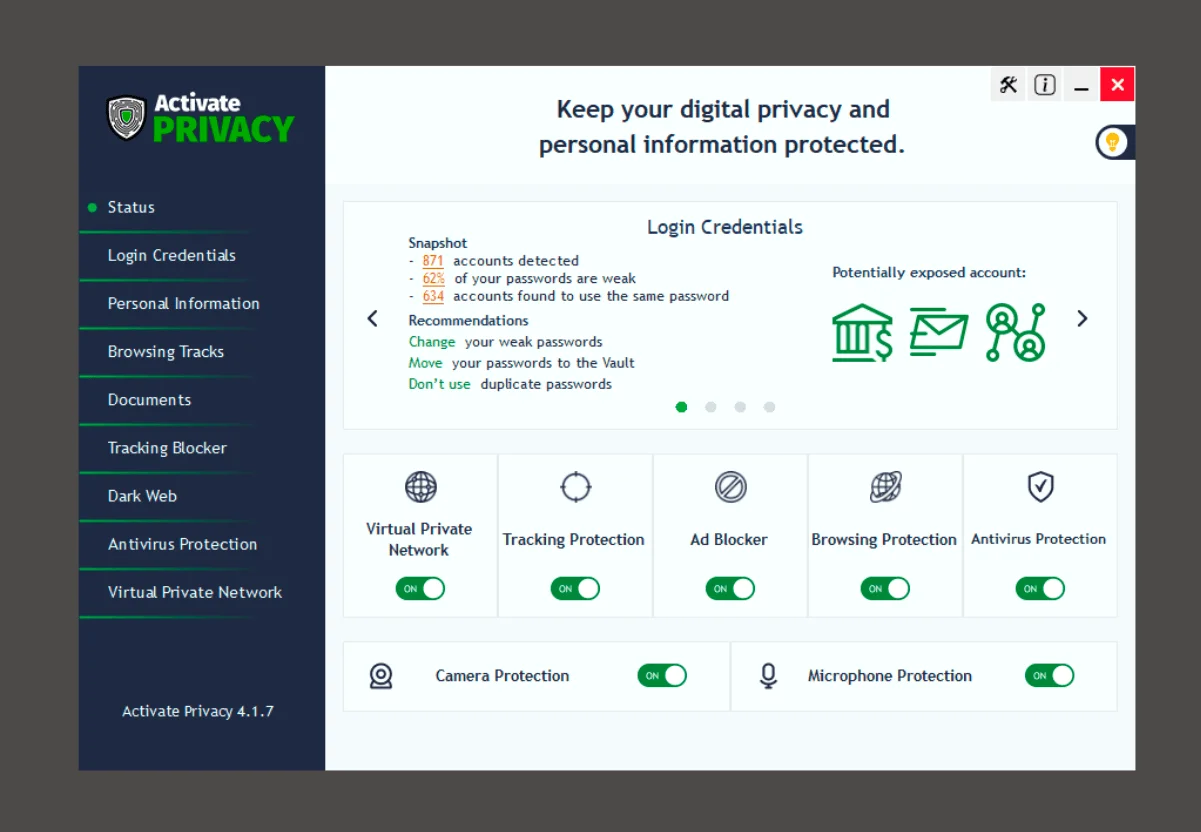
Turn On Tracking-Blocker from Main Screen
Turn On Tracking-Blocker from Tracking Blocker Screen
Click the toggle switch to turn on the Tracking Blocker, and enable it for each browser individually.
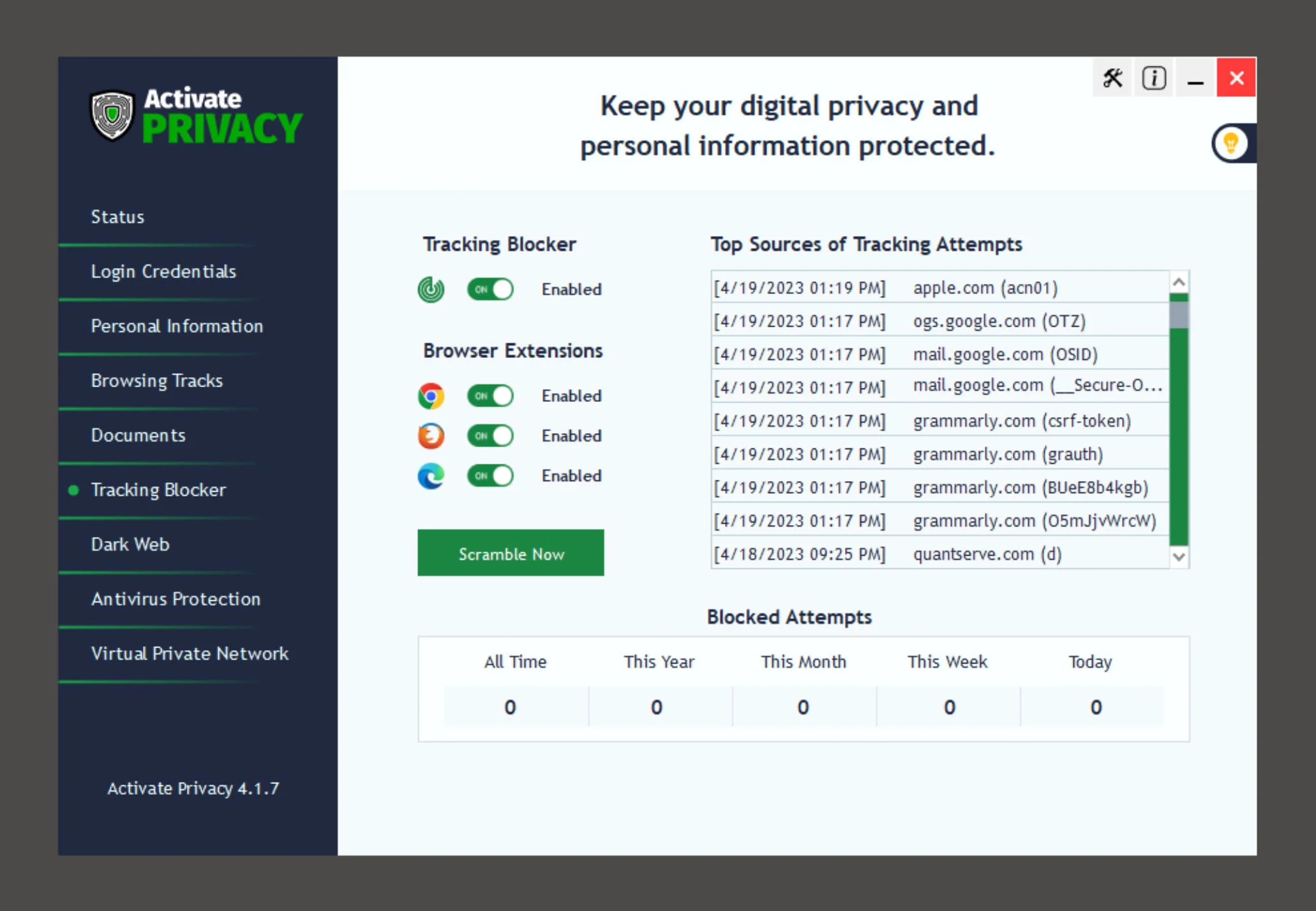
Once enabled, the Tracking Blocker will protect your privacy by blocking ads and trackers across your web browsers.