

Encrypted Login Credentials (password managers & authentication)
















Protecting Your Digital Identity Through Secure Authentication
The average person manages credentials for dozens of online accounts, from banking and healthcare to social media and shopping platforms. Each account represents a potential entry point for cybercriminals, making password security one of the most critical aspects of personal cybersecurity. Understanding how to properly manage authentication credentials has become essential in our increasingly digital world.
The Challenge of Modern Password Security
Most security experts recommend using unique, complex passwords for every account you create. This advice makes perfect sense from a security standpoint, but it creates an obvious practical problem. Remembering dozens of different passwords that contain random combinations of uppercase letters, lowercase letters, numbers, and special characters is simply beyond the capability of human memory. This impossible expectation leads many people to make dangerous compromises, like reusing the same password across multiple sites or choosing simple, easy-to-guess passwords that hackers can crack in seconds.
When a data breach exposes credentials from one service, cybercriminals immediately try those same username and password combinations on hundreds of other popular websites. This practice, known as credential stuffing, succeeds far more often than it should because so many people reuse passwords. A single compromised account can quickly cascade into a much larger security disaster affecting your finances, personal information, and professional reputation.
How Password Management Solutions Work
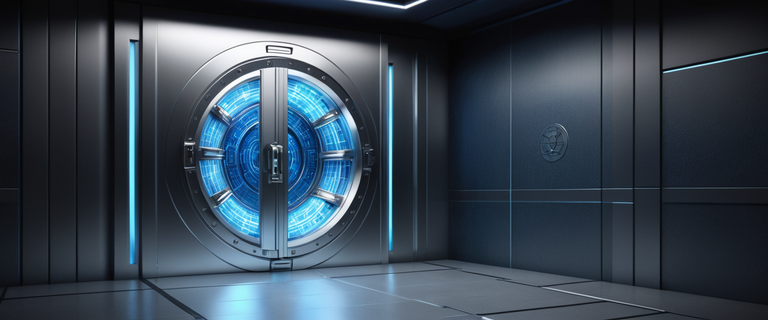
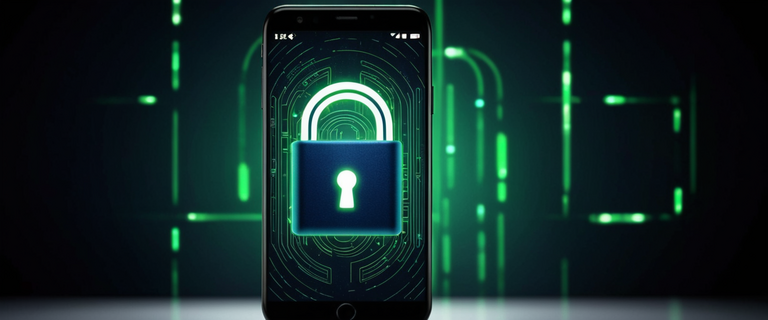
A password manager acts as an encrypted vault for all your login credentials. Instead of memorizing dozens of passwords, you only need to remember one master password that unlocks your vault. The software then handles the complex task of generating, storing, and automatically filling in your credentials whenever you need to log into an account. Modern password managers use military-grade encryption to protect your stored information, ensuring that even if someone gained access to the encrypted database, they couldn’t read your actual passwords without your master password.
The strongest password managers employ what’s called zero-knowledge architecture. This means the company providing the service never has access to your unencrypted passwords. Your data is encrypted on your device before it ever reaches their servers, and only you possess the key to decrypt it. Even if the company’s servers were breached, the attackers would only find encrypted data they couldn’t use.
Layering Additional Authentication Security
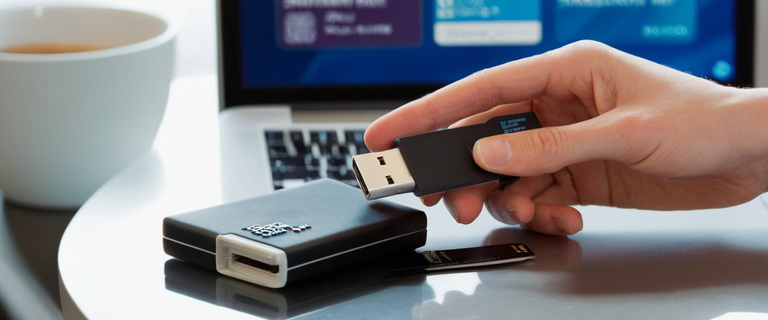
Relying solely on passwords, even when properly managed, creates vulnerabilities that sophisticated attackers can exploit. Multi-factor authentication adds crucial extra layers of protection by requiring you to verify your identity through multiple methods. After entering your password, you might need to confirm your identity using your fingerprint, approve a notification on your smartphone, or enter a time-sensitive code from an authenticator app. This means that even if someone steals or guesses your password, they still can’t access your account without also having your phone or biometric data.
Biometric authentication has become increasingly popular because it’s both highly secure and remarkably convenient. Your fingerprint or face becomes part of your authentication credentials, making it extremely difficult for anyone else to impersonate you. Many modern authentication systems combine biometric data with traditional passwords to create authentication methods that are simultaneously more secure and easier to use than passwords alone.
Making Informed Security Decisions
Different password management solutions offer varying levels of security and convenience. Browser-based options provide easy access and automatic synchronization across devices, though they may lack some advanced features. Cloud-based solutions offer the flexibility to access your credentials from anywhere while maintaining strong encryption. Some people prefer locally-stored password databases that never leave their devices, accepting reduced convenience in exchange for maximum control over their data.
The most important security decision you’ll make is choosing a strong master password and enabling multi-factor authentication on your password vault. Your master password should be lengthy, complex, and completely unique. Consider using a passphrase of four or more random words that you can remember but others couldn’t easily guess. Since this password protects all your other credentials, it deserves extra attention and should never be written down in an insecure location or shared with anyone.
Regular security audits of your stored passwords help identify weak or reused credentials that need updating. Many password managers include tools that check your passwords against databases of known compromised credentials from data breaches. If any of your passwords appear in these databases, you should change them immediately, even if you haven’t heard about a breach affecting that specific service. Staying ahead of potential security issues is always easier than recovering from a successful attack.



